UGE Editor is a multi-purpose editor for the Ultra Game Engine.
It provides a few content creation tools, such as :
-
World Editor : The world editor is available from the main window. It can help place entities inside a world and create a scene for a game.
The editor is also capable of integrating a DLL of a game with reflection data, which allows adding custom entities from the game
directly into the editor.
-
Mesh Editor : This tool can help viewing a freshly imported 3D mesh (from an FBX file, for example).
It is also capable of assigning materials and collision to the different shapes making the mesh.
-
Material Editor : This tool provides the user an overview of a material applied onto a 3D mesh. Moreover,
the user can edit different properties of a material (diffuse / emissive color, specular strength and intensity, unlit, double-sided...)
and even change the shader program used by the material.
Gallery
Click an image to enlarge.
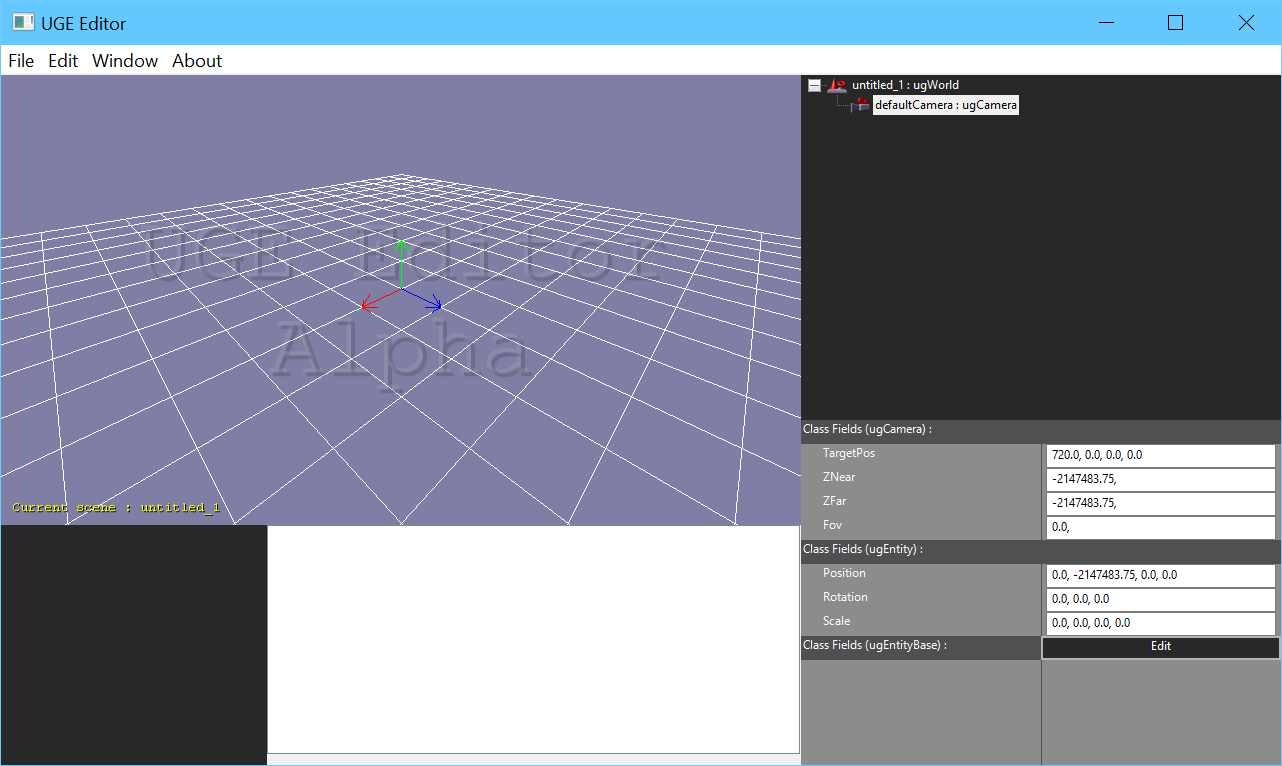 The main window
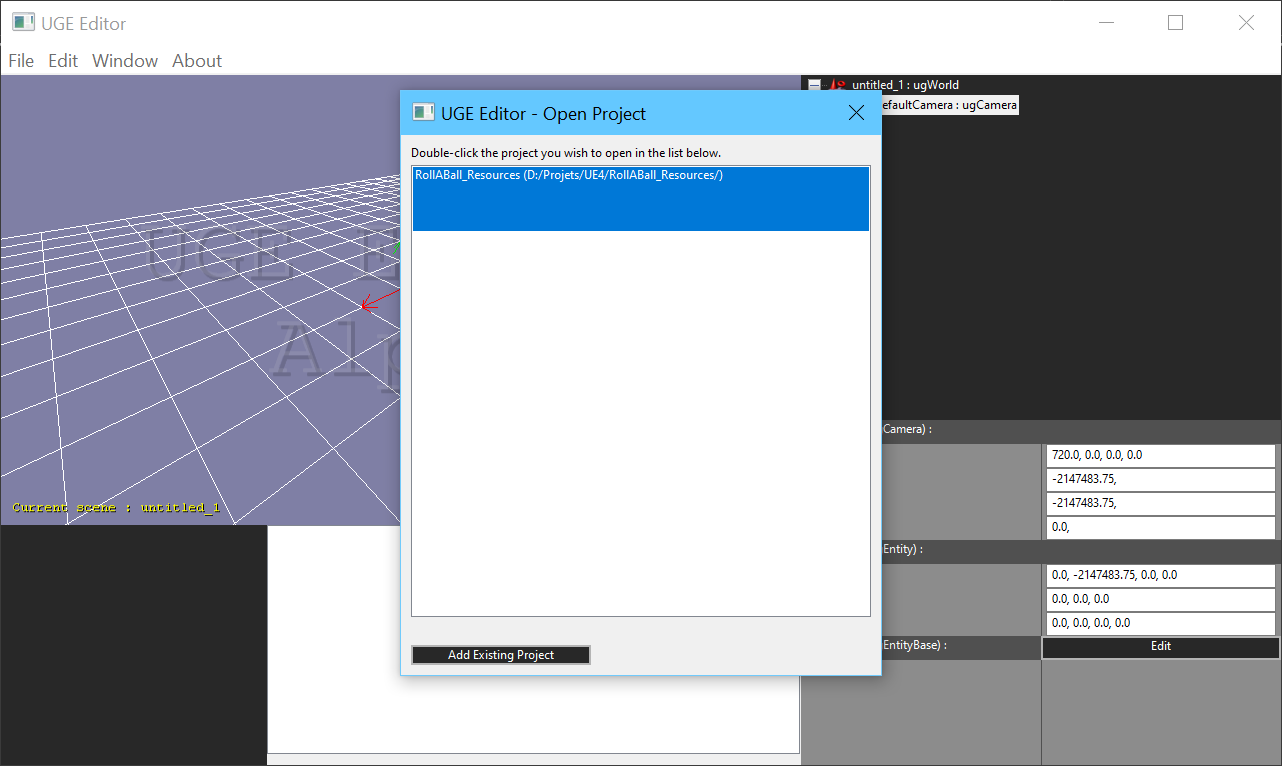 Open project dialog
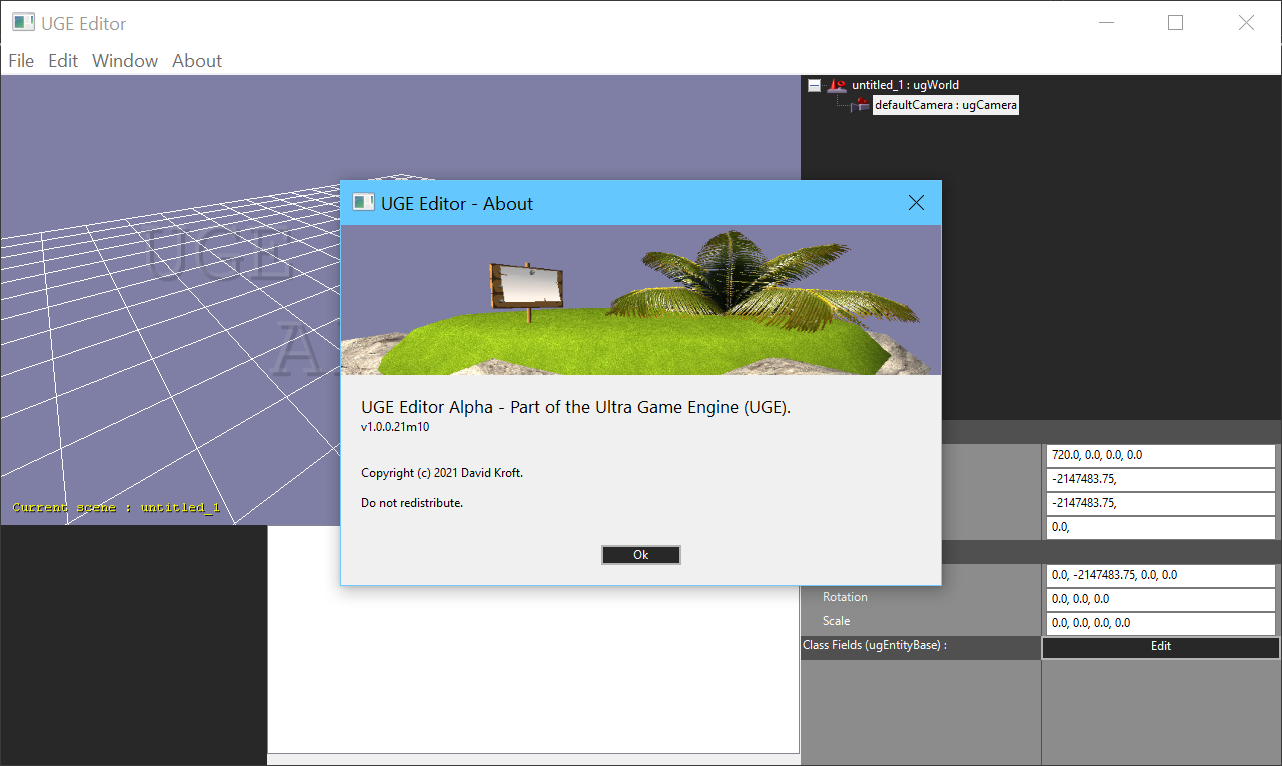 About window