
During this two weeks project, we had to make a small game of our choosing and make it multiplayer! Obviously, local multiplayer doesn't count, the purpose was to learn about socket programming, network protocols such as TCP/IP, and get introduced to threads. We programmed exclusively for Windows, so we had to deal with Win32 windows and threads. Not to mention that I was also working alone on this project, as a requirement from our teacher...
Our teacher suggested we make a simple turn-based game like Tic-Tac-Toe, but we were still free to choose. I wanted to go for something bigger, say, a top-down 2D Minecraft-like game where players could dig, collect items and interact. So I did.
The project required our program to meet three criteria :
The game's communication protocol revolves around packets. Essentially, packets are small compact binary structures which contain a type ID, optionally the ID of the client who sent it, and a payload. Clients send packets to the server to connect and send player actions. The server then takes action and may respond with one or more packets by broadcasting to all connected clients.
This design is simple, performance-friendly, and as a bonus, inherently prevents cheating. As the client only sends input, the server takes all actions to move the character accordingly and act onto the world. If one client breaks a block they normally can't, then the block won't break for other players. The client will be desynchronized while all other players will just see them stuck against the wall. In all cases, cheating doesn't affect other players, and doesn't benefit the cheater in any way.
Below is a table listing some of the packets that clients send to the server they're connected to, as well as the packets servers will respond with. Please note that this table isn't exhaustive.
| Packets sent by Client | Server Packets sent in response |
| Connect Sent to provide additional information (such as username) to the server. |
ConnectionResponse Sent to a connecting client to notify of the success (or failure) of their connection and, if failed, the reason why. Reasons include confliting usernames, server full, username containing bad language, etc... |
| GetWorldDimensions Sent to inform clients of the size of the world (in blocks). |
|
| GetWorldTiles Used to send the contents of the world in batches of 256 blocks. As such, if the world is big enough, the server will break down the world into units of 256 blocks and send one packet for each unit. |
|
| GetPlayerID Sent to a connecting client to notify them of their unique ID, as assigned by the server. |
|
| Move Sent when the player moves by one block. |
PlayerMove Broadcasted to clients whenever someone moves, along with the player's ID. That way, clients can locally update the position of other players. |
| BlockBreak Sent when a block is broken. Additionally, if an item is hidden inside the block, it is sent with the packet. |
|
| PlayerPickupItem Sent when a player picks up an item on the ground. When a player picks something up, we obviously want it to disappear for all players, so that there's not just a ghost item left in the world. |
Click an image to enlarge.
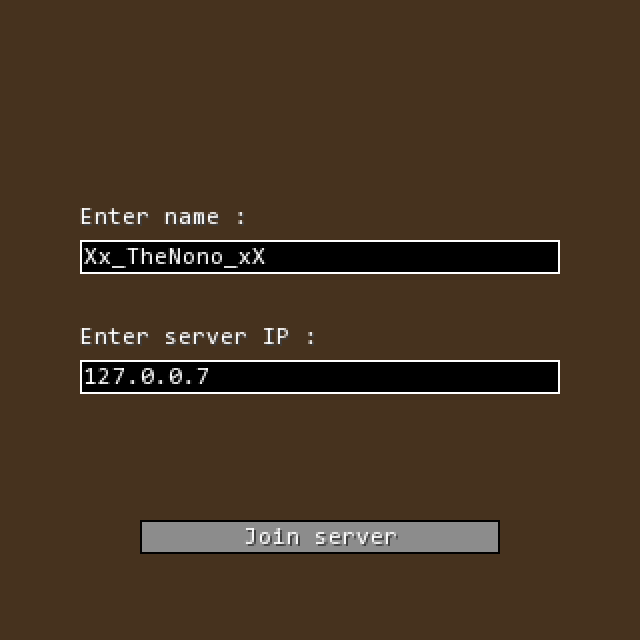 The client's connection menu
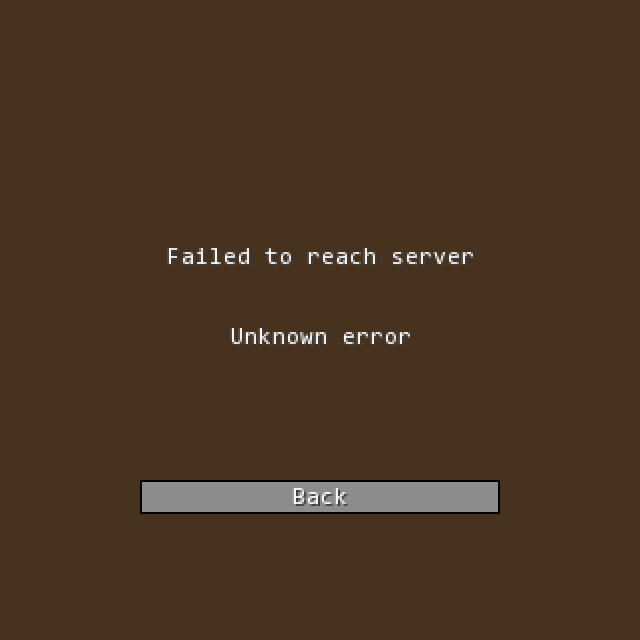 Error displayed when trying to reach a server that's not started yet
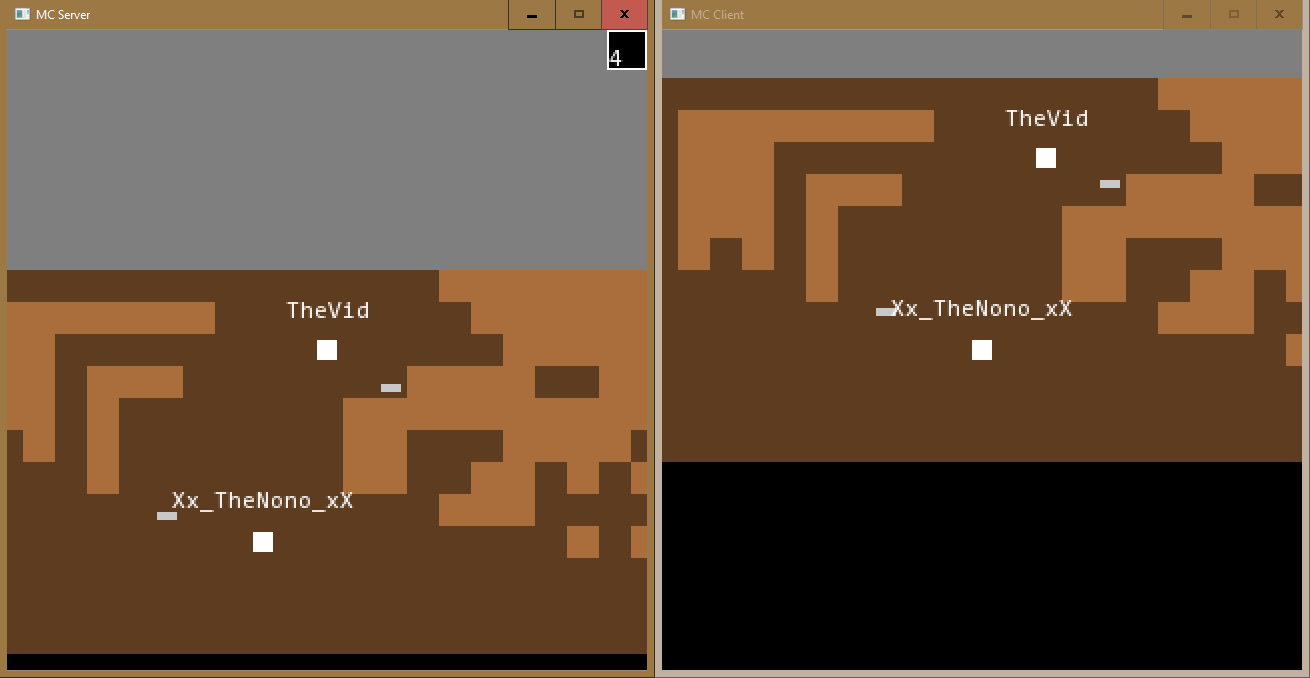 TheVid playing on the server's integrated client, and digging up iron ingots
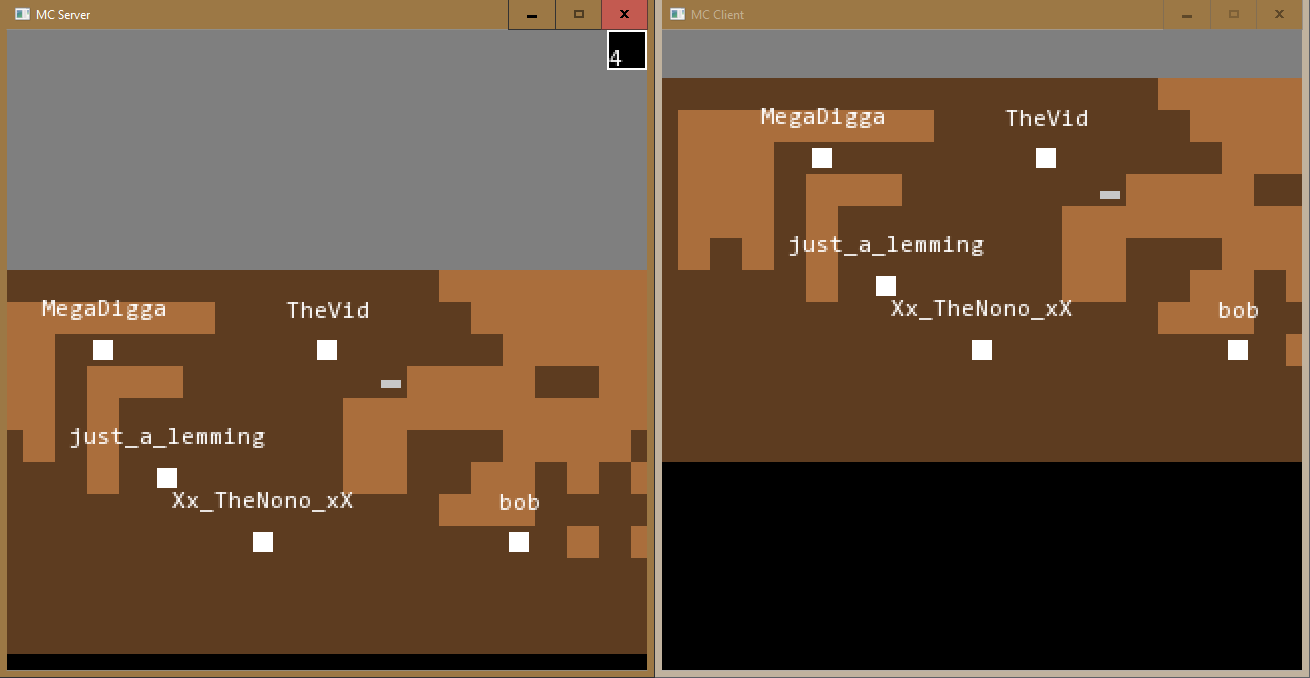 A very crowded server
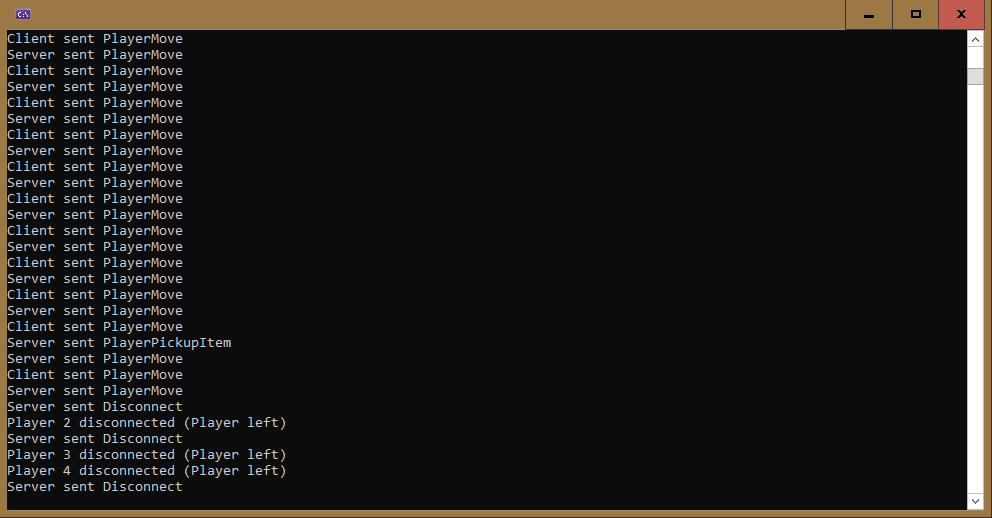 The server's console, showing a log of received and sent packets
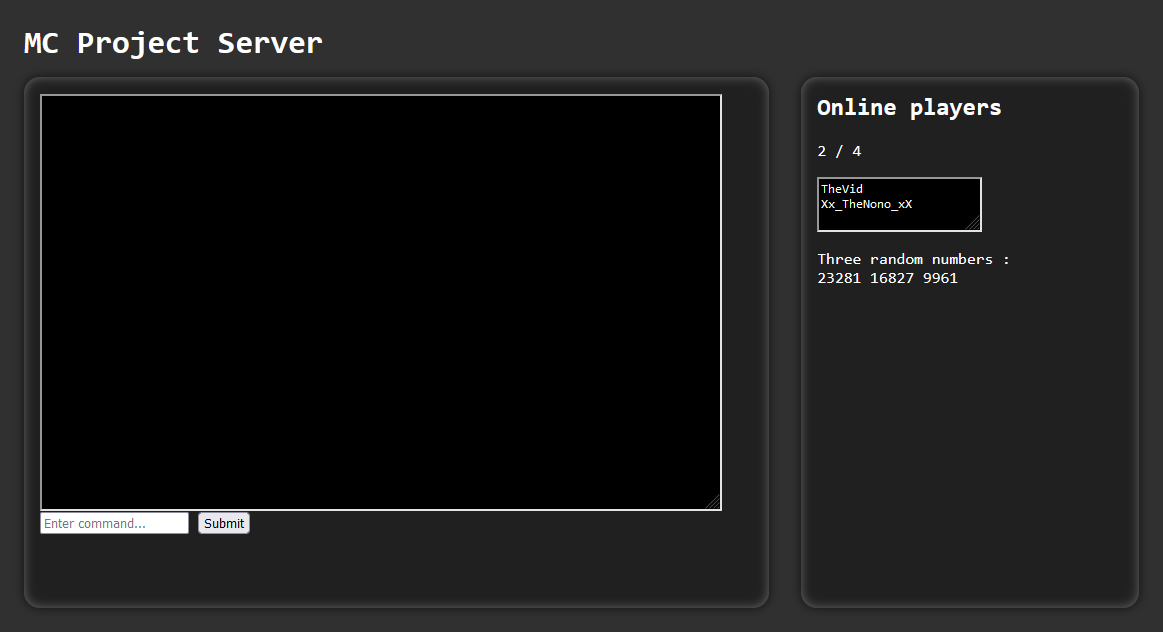 Page sent by the web server, with a list of online players, and an unused console panel
Index